
CBSE admits OnMark portal vulnerabilities; deploys team from IITs, government to secure system
This comes amid major controversy that has raised questions over student evaluation, putting into spotlight the company behind the platform.
The examination for the ICSE was held between February 17 and March 30, while students appeared for ISC from February 12 to April 6.




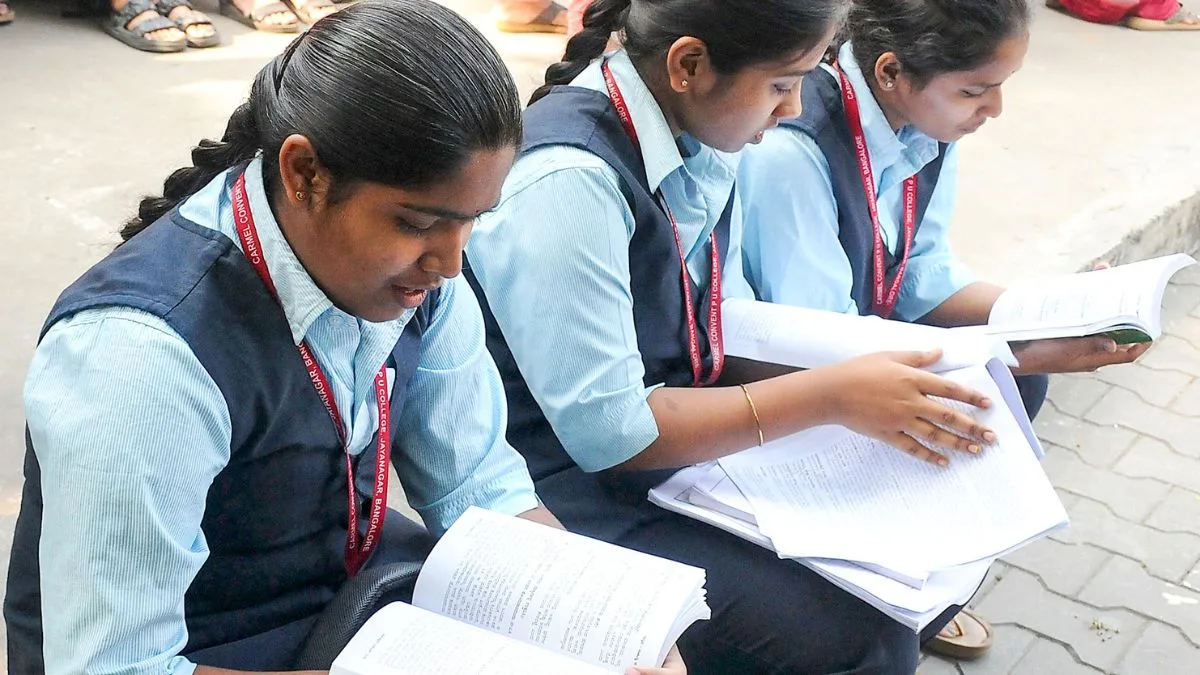
Image: IANS
The Council for the Indian School Certificate Examinations (CISCE) has officially declared the results for the Indian Certificate of Secondary Education (ICSE) Class 10 as well as Indian School Certificate (ISC) Class 12 results for the 2026 exams at 11 a.m. on April 30. Students can now visit the official website to check their scorecards.
Notably, the examination for the ICSE was held between February 17 and March 30, while students appeared for ISC from February 12 to April 6. The Council had earlier announced its decision to cancel the ICSE and ISC 2026 exams at all centres in the United Arab Emirates (UAE).
Advertisement
CISCE 2026: Pass percentages exceed 99%
Advertisement
Overall, the pass percentages in the examinations have exceeded 99 per cent. In the ISC Class XII examination, the overall pass percentage has been recorded at 99.13 per cent, which includes 99.48 per cent for girls and 98.81 per cent for boys. Similarly, the overall pass percentage in the ICSE (Class X) examination stands at 99.18 per cent. The girls recorded 99.46 per cent, while boys were at 98.93 per cent.
This time, the ISC Class 12 examination was held across 45 written subjects, including 13 Indian languages, two foreign languages and two classical languages. The ICSE examination for Class 10 was conducted across 67 written subjects. This included 20 Indian languages, 14 foreign languages and a classical language.
How To Check Scorecard?
Step 1: Visit the official website at cisce.org.
Step 2: On the homepage, search for the “ICSE Examination results 2026” or “ISC Examination results 2026” options.
Step 3: Select your course and then enter your UID, Index Number and Captcha code. Later on, click on “Show Result” button.
Step 4: Your scores/marksheet will be displayed on the screen. Download the same and save a copy of your scorecard for future reference.
The official websites to check results are cisce.org and results.cisce.org.
Besides them, students can even check their scorecard through DigiLocker. For this, they need to download the DigiLocker application or visit the official website at digilocker.gov.in.
Log in to your account using your Aadhaar number or mobile number and then go to the “Education” section on the dashboard. Once it is opened, select the “Council For Indian School Certificate Examinations (CISCE)” option. Select respective links for the ICSE and ISC marksheet. Then provide your UID number and index number. Your scorecard will be displayed on the screen.
How to check result via SMS?
To check the ICSE result 2026 through SMS, students can type ICSE 7-digit UID and send it to 09248082883.
Similarly, they need to type ISC 7-digit UID and send to 09248082883 for ISC result 2026.
Advertisement