Microblogging site Twitter issued a caution to its users late Thursday saying it detected a bug in its system that stored passwords “unmasked in an internal log”, and that the users should change password for safety purpose, though there seemed no impending danger.
“When you set a password for your Twitter account, we use technology that masks it so no one at the company can see it. We recently identified a bug that stored passwords unmasked in an internal log. We have fixed the bug, and our investigation shows no indication of breach or misuse by anyone,” Twitter posted in a blog on May 3.
Advertisement
The social media network asked its users to consider changing their passwords on all services where they have used this password.
The password can be changed any time by going to the password settings page.
What is the bug
Twitter says it masks passwords through “hashing” process using “bcrypt” function, “which replaces the actual password with a random set of numbers and letters”. These passwords are stored in Twitter’s system.
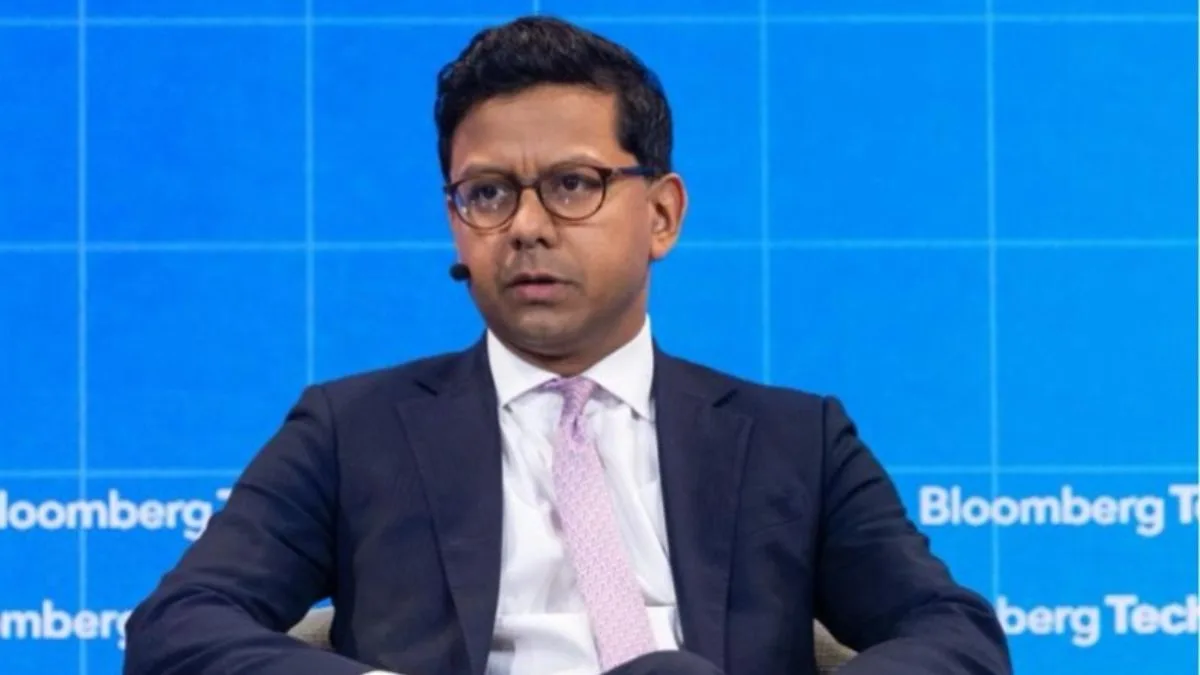
“This allows our systems to validate your account credentials without revealing your password. This is an industry standard,” Twitter CTO Parag Agarwal wrote in the blog.
With the bug entering the system in the present case, passwords got written to an internal log before the hashing process could be completed. “We found this error ourselves, removed the passwords, and are implementing plans to prevent this bug from happening again,” Agarwal wrote.
How to secure your account
While Twitter says it has no reason to believe the unmasked passwords ever left Twitter’s systems or were misused, it’s better to be safe. Here is what it suggests you can do to keep your account safe.
* Change password on Twitter and on any other service where you may have used the same password.
* Use a strong password that you don’t reuse on any other website.
* Enable two factor authentication for login verification.
* You can consider using a password manager to ensure you are using strong, unique passwords everywhere.